
 Jeffery Pookie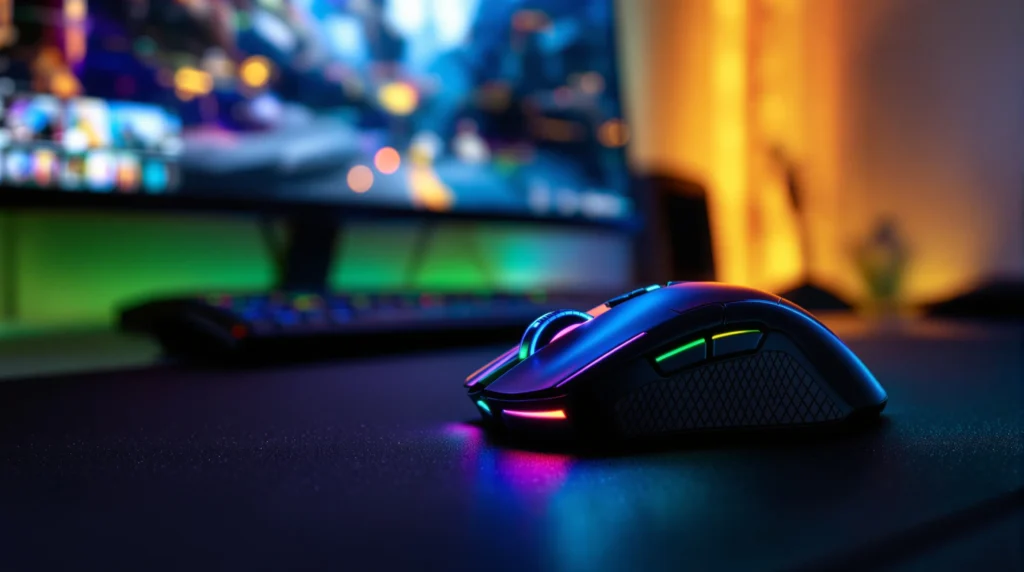
Picture this: It’s 2 a.m. Your room glows with shifting colors. Your hand rests on a mouse that pulses in sync with your game’s soundtrack. You’re not just playing—you’re part of the action. That’s the magic of an rgb gaming mouse. If you’ve ever wondered why gamers obsess over these glowing gadgets, or if you’re tired of your old, boring mouse, you’re in the right place. Let’s break down what makes an rgb gaming mouse more than just a flashy desk accessory.
What Is an RGB Gaming Mouse?
An rgb gaming mouse is a computer mouse designed for gaming, featuring customizable lighting that can display millions of colors. But it’s not just about looks. These mice often pack high-precision sensors, extra buttons, and ergonomic shapes. The rgb part? That stands for red, green, and blue LEDs, which blend to create a rainbow of effects. If you’ve ever seen a streamer’s setup, you’ve probably noticed their mouse glowing in sync with their keyboard and PC. That’s no accident—it’s a statement.
Why Do Gamers Love RGB?
Here’s the part nobody tells you: rgb isn’t just for show. Sure, it looks cool, but it also serves a purpose. Some gamers use lighting profiles to track cooldowns or in-game events. Others sync their mouse with the rest of their gear for a unified look. And let’s be honest—sometimes you just want your desk to look like a spaceship. If you’ve ever felt a little jealous of those setups, you’re not alone.
Personalization and Identity
With an rgb gaming mouse, you can match your mouse to your mood, your team colors, or even your favorite game. Some brands let you create custom lighting effects or download profiles from the community. It’s like digital fashion for your desk.
Performance Meets Style
Most rgb gaming mice aren’t just pretty—they’re built for speed and accuracy. You’ll find features like adjustable DPI (dots per inch), programmable buttons, and textured grips. The lighting is the cherry on top.
Key Features to Look For
Not all rgb gaming mice are created equal. Here’s what to watch for if you want the best experience:
- Sensor Quality: Look for a high DPI sensor (10,000+ is common) for precise tracking.
- Customizable Buttons: Extra buttons can give you an edge in games like Fortnite or League of Legends.
- Ergonomics: Some mice fit small hands, others suit larger grips. Try before you buy if you can.
- Software: Good software lets you tweak lighting, macros, and sensitivity.
- Build Quality: A solid mouse feels sturdy and lasts longer, even after hours of clicking.
Here’s why these matter: a mouse that fits your hand and playstyle can actually improve your aim and reaction time. Don’t settle for the first rgb gaming mouse you see—test a few and notice the difference.
Who Should (and Shouldn’t) Get an RGB Gaming Mouse?
If you play games that demand quick reflexes—think shooters, MOBAs, or MMOs—an rgb gaming mouse can give you an edge. The extra buttons and high DPI settings help you react faster. If you love customizing your setup or want your desk to look as good as it feels, you’ll love the lighting options.
But if you mostly browse the web or write emails, you might not need all the bells and whistles. Some people find the lights distracting, especially in a dark room. And if you’re on a tight budget, you can find great non-rgb mice for less.
Common Mistakes When Buying
Let’s be real: it’s easy to get swept up by the colors and forget about comfort. Here are mistakes I’ve made (so you don’t have to):
- Choosing style over substance—my first rgb gaming mouse looked amazing but felt awkward after an hour.
- Ignoring hand size—some mice are too big or too small, leading to cramps or missed clicks.
- Overpaying for features I never used—do you really need 12 side buttons?
Next time, focus on how the mouse feels in your hand and whether the features match your games. The right rgb gaming mouse should feel like an extension of you, not a distraction.
How to Set Up Your RGB Gaming Mouse
Most rgb gaming mice come with software that lets you customize lighting, button assignments, and sensitivity. Here’s a quick setup guide:
- Install the manufacturer’s software (like Razer Synapse, Logitech G HUB, or Corsair iCUE).
- Connect your mouse and open the software.
- Choose your lighting effects—static, breathing, wave, or reactive.
- Assign macros or shortcuts to extra buttons.
- Adjust DPI settings for your favorite games.
If you’re overwhelmed by options, start simple. Pick a color you love, set your main buttons, and tweak as you go. You’ll find your groove.
Top RGB Gaming Mouse Picks (2025)
Here are a few rgb gaming mice that stand out this year:
- Logitech G502 X Plus: Known for its comfortable shape, adjustable weights, and vibrant lighting.
- Razer DeathAdder V3 Pro: Lightweight, precise, and features customizable rgb zones.
- Corsair M65 RGB Ultra: Durable aluminum frame, tunable weights, and dynamic lighting effects.
- SteelSeries Aerox 5 Wireless: Ultra-light, water-resistant, and offers stunning rgb patterns.
Each of these mice offers something unique, whether it’s extra buttons, wireless freedom, or a shape that fits your hand perfectly. If you’re serious about gaming, try a few and see which one clicks—literally and figuratively.
RGB Gaming Mouse Myths—Busted
Let’s clear up a few things:
- Myth: RGB lighting makes you a better gamer.
Truth: Lighting won’t improve your skills, but comfort and features can. - Myth: RGB mice are only for hardcore gamers.
Truth: Anyone who enjoys a fun, personalized setup can use one. - Myth: More expensive means better.
Truth: Some budget rgb gaming mice perform just as well as pricier models.
If you’ve ever felt intimidated by the options, remember: the best rgb gaming mouse is the one that feels right for you.
Final Thoughts: Is an RGB Gaming Mouse Worth It?
If you want your setup to reflect your personality, or you crave a mouse that feels as good as it looks, an rgb gaming mouse is a solid choice. It’s not just about the lights—it’s about comfort, control, and a little bit of fun every time you sit down to play. If you’ve ever struggled with a clunky old mouse, you’ll notice the difference right away. And if you’re still on the fence, try one out at a store or borrow a friend’s. You might be surprised at how much a little color can change your game.